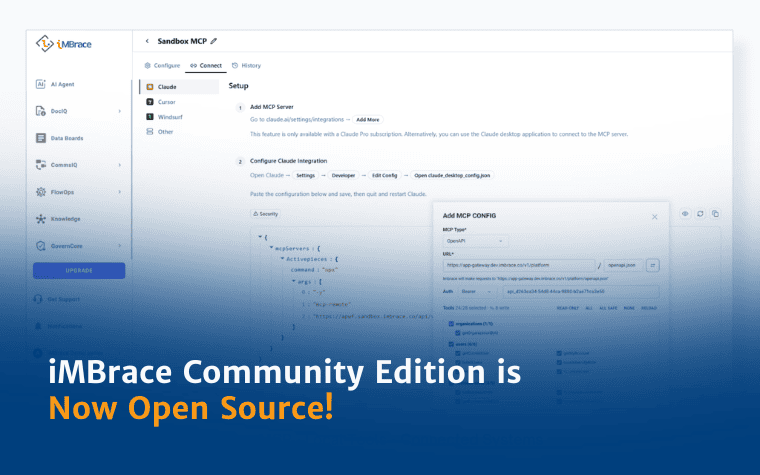
iMBrace Community Edition is Now Open Source!

What is iMBrace?
iMBrace is a modern, self-hosted AI Operating System designed to give enterprises complete operational control and keep intellectual property strictly on-premises. Our platform is built around four core pillars:
- Data Sovereignty: Ingest sensitive enterprise data into local vector stores and host your entire stack on-premises. Your company’s knowledge base, files, and interactions remain strictly on your own infrastructure.
- DAG Workflows: Build and orchestrate predictable, stateful multi-step AI automations. Run scheduled triggers and communication webhooks over dependable Directed Acyclic Graph (DAG) execution paths.
- Native MCP Gateway: Securely expose internal databases, legacy APIs, and custom Python or Node.js scripts as tools for autonomous AI agents using native, open Model Context Protocol (MCP) connections.
- Multi-LLM Freedom: Avoid vendor lock-in with complete deployment flexibility. Power context-aware agents using local, open-weights models (via Ollama or vLLM) or private commercial APIs.
Under the Hood: A High-Performance Stack
iMBrace is engineered for developer transparency, structured across clean, modular microservices:
- Frontend Hubs: High-performance React and Vite interfaces for the admin workspace, embeddable chat widgets, and standalone chatbot applications.
- Platform & Gateways: Modular Hono, Express, Drizzle, and PostgreSQL-based services handling authentication, multi-tenancy, platform routing, and state persistence.
- Agent Runtime: A dedicated TypeScript engine managing agent tool execution, live chat orchestration, MCP connections, and stateful DAG processing.
Transparent Dual-Licensing
To balance community-driven innovation with long-term ecosystem sustainability, iMBrace uses a dual-licensing structure based on directory path boundaries:
- Sustainable Use License v1.0: Applies to all files without .ee. in their paths. The source is available to use, copy, and modify subject to the terms and usage limits of the license.
- Enterprise License: Applies to commercial features designated by .ee. in their paths. A commercial iMBrace license is required for production use of these features.
Organizations with more advanced requirements can scale beyond Community Edition through iMBrace commercial editions, with additional governance, orchestration, enterprise administration, and professional support.
Quick Start: Deploy with Docker Compose
You can launch the full iMBrace stack from a single Docker Compose file:
# 1. Download the unified compose file
curl-fsSLO https://raw.githubusercontent.com/imbraceltd/iMBrace/main/deploy/docker-compose.yml
# 2. Fire up the microservices
docker compose up -d
Once the services are running, access the main iMBrace workspace through the configured host. Refer to the GitHub Quick Start guide for access URLs, default credentials, and security configuration.
(Note: Ensure your host meets the recommended system requirements before deployment.)
Shape the Future of Sovereign AI
Find Us on Product Hunt!
If you believe enterprise AI belongs behind your own firewall, we would love your support. Find us on Product Hunt to leave a review, share your feedback, or join our launch day discussion. Let’s build something sovereign together!